Pick the elements.
Equations, text, circles, arcs, polygons, axes, number planes, function graphs, and the area under a graph. Seventeen kinds in all, each with its own property fields rather than one generated form.
Version 2.0 · Windows
A visual editor for Manim Community Edition. Arrange elements and animations on a timeline, and the editor writes the Manim Python that renders your math animation — no line-by-line coding.
Code → result
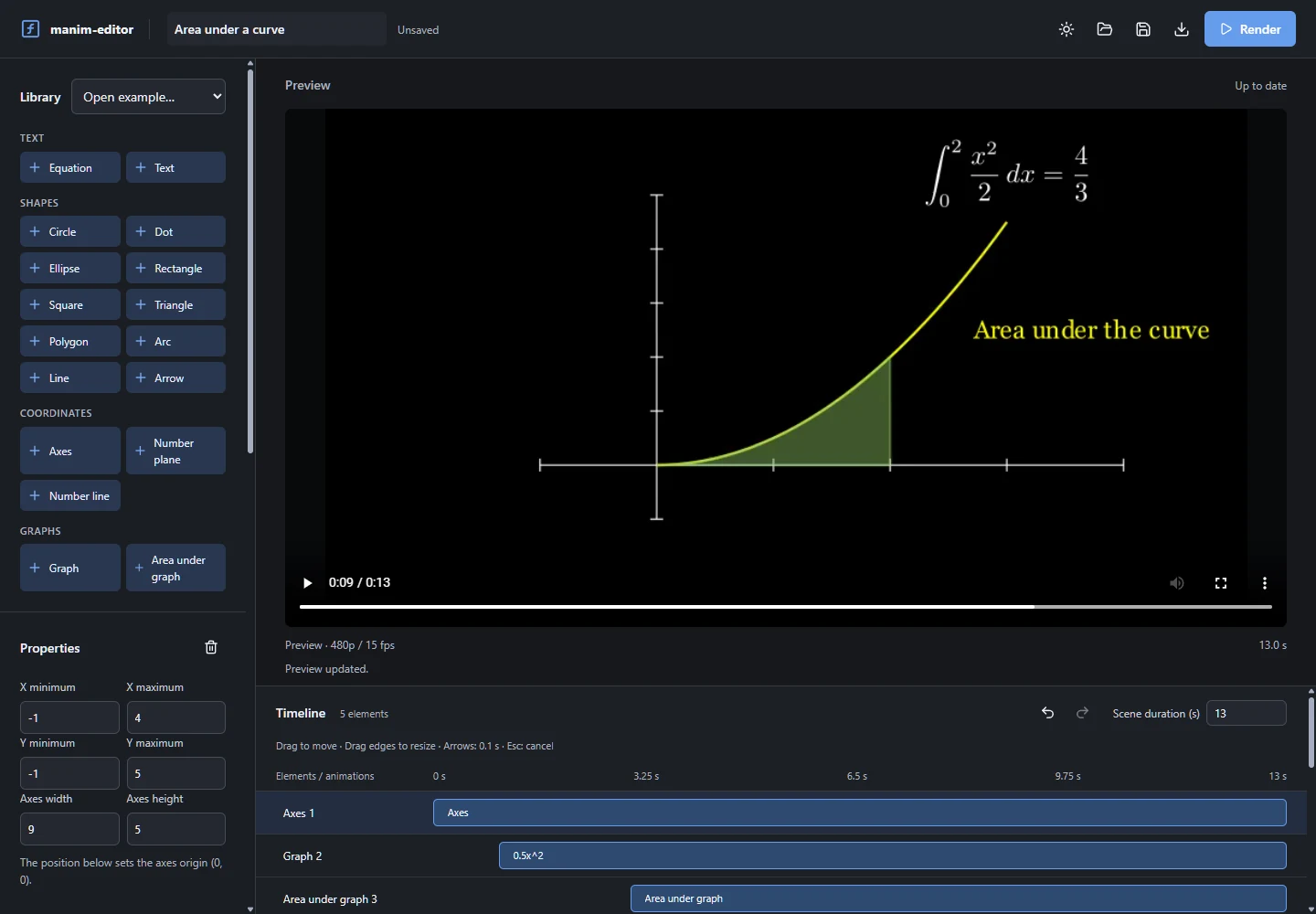
The project is a JSON document you edit visually. From it the editor compiles readable Manim Python — the same file it renders, and the same file you can export. See how a scene is assembled.
element_0 = Axes(x_range=[-1, 4], y_range=[-1, 5], x_length=9, y_length=5, tips=False)
element_0.shift(np.array([-2, -1.5, 0]) - element_0.c2p(0, 0))

element_1 = element_0.plot(lambda x: (0.5 * (x ** 2.0)), x_range=[0, 3], use_smoothing=False)
element_1.set_color('#58C4DD')

element_2 = element_0.get_area(element_1, x_range=[0, 2])
element_2.set_opacity(0.45)

self.play(Create(element_0), run_time=(15 - 1e-6) / 15)
self.play(Create(element_1), run_time=(23 - 1e-6) / 15)
self.play(FadeIn(element_2), run_time=(15 - 1e-6) / 15)Excerpt from the real compiler output, trimmed for length. The full scene is calculus-area.json; the hero runs integral-story.json.
How it works
Equations, text, circles, arcs, polygons, axes, number planes, function graphs, and the area under a graph. Seventeen kinds in all, each with its own property fields rather than one generated form.
Drag clips on the timeline, pull their edges, and nudge them with the arrow keys. Thirteen animation kinds — from Create and Write to Rotate, Indicate, and Transform — plus explicit parallel groups. Nothing is animated implicitly.
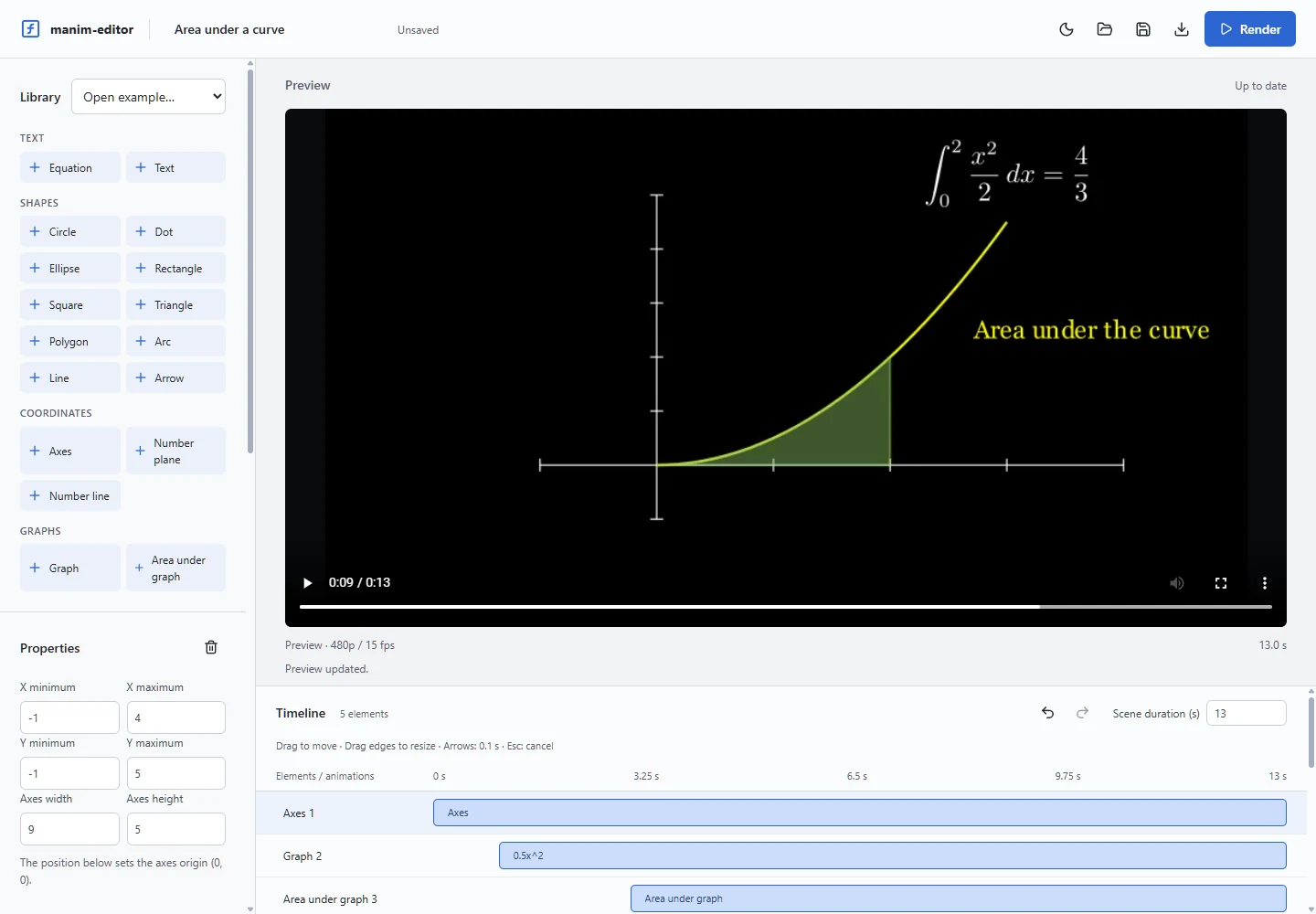
Rendering runs locally through Manim Community Edition. There is no second engine approximating the result in the browser and no cloud queue — the preview you watch is the file Manim wrote, compiled from the Python the editor generated. Editing is immediate; the preview updates when you click Render. Get it for Windows.
A number plane, a sine wave, a circle, a hexagon, an arc, and a dot riding the crest — created, grown, drawn, rotated, rescaled, recoloured, and emphasised, all from the timeline. See the project file.
Install
The installer carries its own Python, Manim Community Edition, TinyTeX, and FFmpeg. That is why it is large, and why it renders math animations offline on a Windows machine with none of them installed. Read what it does not do first.
Or build it from source:
git clone https://github.com/diegormirhan/manim-editor
Requires Node.js 24+, Python 3.14, the Rust toolchain, and a TeX distribution. The README has the full sequence.
Limitations
Version 2.0 is a focused release, and some of these are deliberate rather than unfinished. Everything it does do is three moves up the page.
x, numbers, + − × ÷ ^, and sin cos tan sqrt abs exp ln log. Arbitrary Python is refused by design.